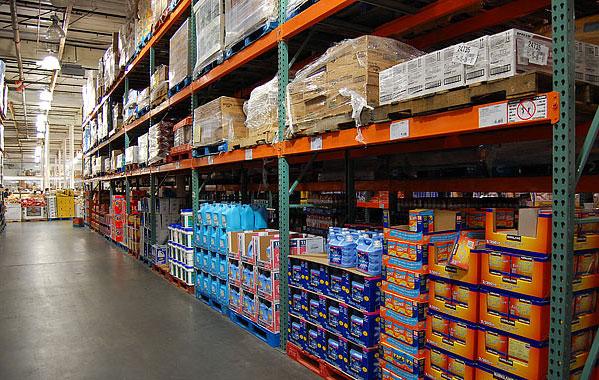
Why Have Inventory Tags in the First Place?
Once the inventory count personnel have received the instructions and understand the procedures, the Company will begin with the inventory count. As we saw in the previous blog, the counters are assigned locations and specific inventory to count. However, how do counters know which items are still leftover to record in their books? How do the reviewers overseeing the counters know which boxes of inventory were considered in that count?
The answer is that the Company places tags over the counted items. By doing this, the Company mitigates the risk that individual counters:
- Double-counted an inventory item
- Forgot to include an inventory item
- Appropriately excluded a non-inventroy item
What does an inventory Tag Look Like?
I have included a graphic that shows what an inventory tag could look like. Keep in mind that keeping track of tags varies from Company to Company. Furthermore, companies are starting to embrace more digital methods of tagging their inventory since the cost to benefit is improving. Also, more senior team members are growing trusting of technology. But, manual tagging is standard even in the most advanced businesses in Silicon Valley. However, the purpose of these tags remains the same.
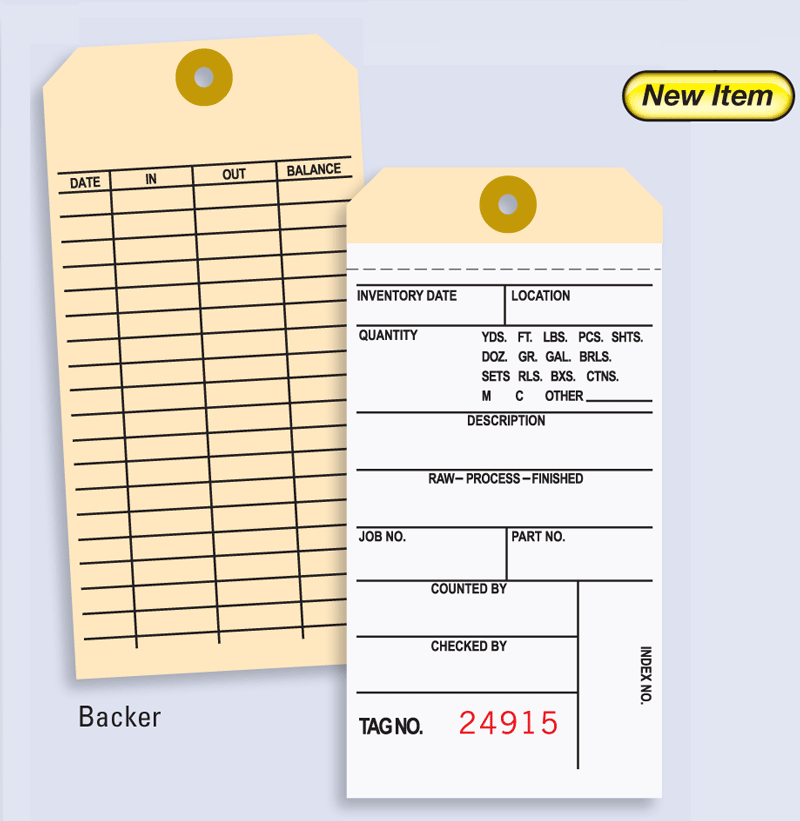
I have typically seen companies place tags over each item, the box if the parts are small and grouped, or on the shelves that they consider inventoriable (i.e., the Company intends to sell to customers or clients) before starting the inventory count. Tagging items is essential in companies that mix their supplies with the things they will sell. One example of this is Costco.
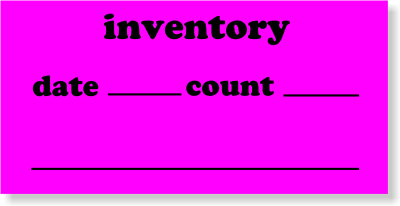
Why Tags Are Needed (Using Costco as an example)
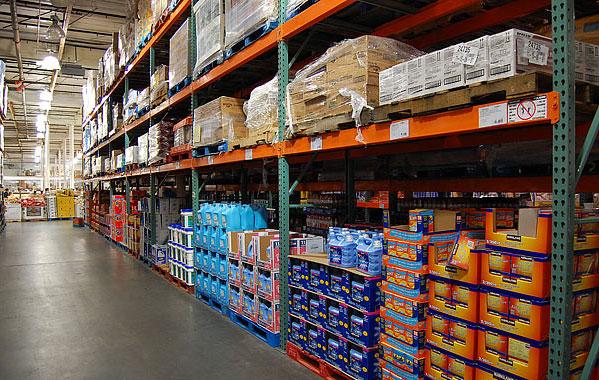
Although their primary business is to sell items from their warehouse, some of their merchandise is used internally for the Company or as a demonstration (“Demo”) item to market to potential buyers walking through the warehouse. Since their store is essentially one big warehouse, they don’t have much room to store non-inventoriable items apart from placing them on top shelves of their store. That’s why you see some boxes, as your shopping, marked with the words DNI (“Do Not Inventory”). Costco doesn’t intend to sell those items. Again, the reasons can be as follows (also, not limited to these reasons):
- Marketing a sellable version of a product
- Use the items internally (e.g., Using a vacuum cleaner that they currently sell to clean up their facility)
- Some defect that makes them unsaleable
- The articles have been written off or will be sent back to the supplier
The Inventory Tags must be Sequential
Another important consideration when using inventory count tags is that every single tag should be accounted for. All tags are numbered sequentially for a fundamental purpose. Suppose there is a missing tag. That raises alarms as to whether someone stole an inventory item. Or it is purposefully being omitted from the Company or auditors. That is why it is imperative to keep a record of every single tag control that you have, whether you are using it or not. Common reasons for not using a tag is if:
- There is a mistake on the tag
- The company voided the tag and replaced with a new one
- The tag is damaged and not readable
If there is no reasonable answer to a missing tag, that should be concerning as a business owner.
Final Thoughts
I want to clarify that the objective of inventory tags is different from the barcodes found within each product item. A company may have an inventory tracking system using the barcode as that represents the SKU number. However, the quantity within the system is not always accurate due to human error and theft. For example, store clerks are notorious for scanning one item multiple times to cut the extra work in manually scanning each item. The scanner doesn’t realize that sometimes the object is the same, but the description of each item is slightly different. For example, someone could be checking out ten of the same item, but all are different colors. Suppose you scan only one color ten times. In that case, each item’s final inventory could result in a misstatement (i.e., the final stock of the red product can be understated by nine while all other nine colors are overstated by 1). This is why the inventory tag control should be different from the SKU item records in the inventory management system. We’re trying to get the accurate number as of a specific date and see if it aligns with what is currently inside the system for each color (assuming the Company organizes inventory by color). After marking the final stock quantity within the tag control, the final number must be recorded within the count sheet.
 Students, Accountants, and Business Owners (SAB)